lbr_moveit_config
Documentation for generating (Generate MoveIt Configuration) and updating (Update MoveIt Configuration) the MoveIt 2 configurations for the LBRs. For full documentation see MoveIt Documentation.
Generate MoveIt Configuration
This procedure applies to all LBRs: iiwa7, iiwa14, med7, and med14.
Make sure
MoveIt 2is installed.
sudo apt install ros-$ROS_DISTRO-moveit*
Make sure the
lbr-stackis installed and sourced, see Installation.Launch the setup assistant
ros2 launch moveit_setup_assistant setup_assistant.launch.py
Load Files: E.g.lbr-stack/install/lbr_description/share/lbr_description/urdf/iiwa7/iiwa7.xacro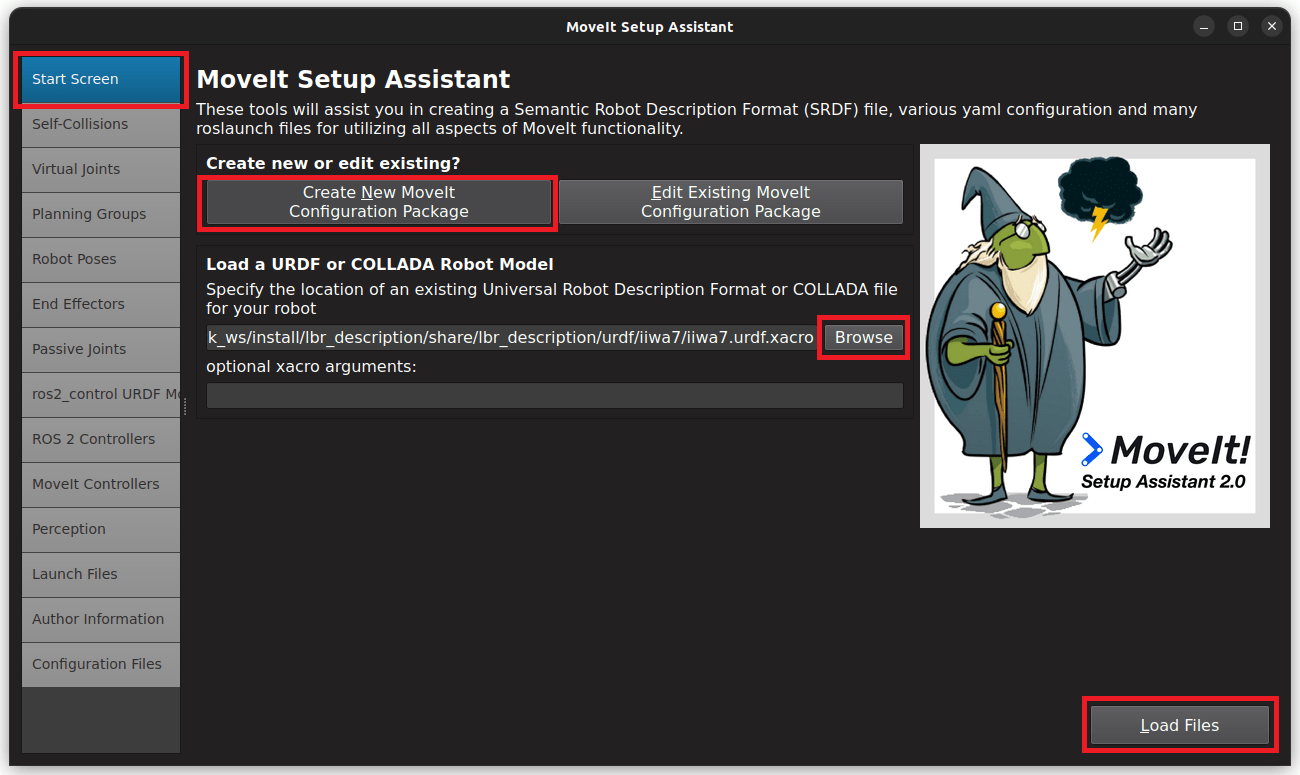
Generate Collision Matrix: Generate
Virtual Joints: Skip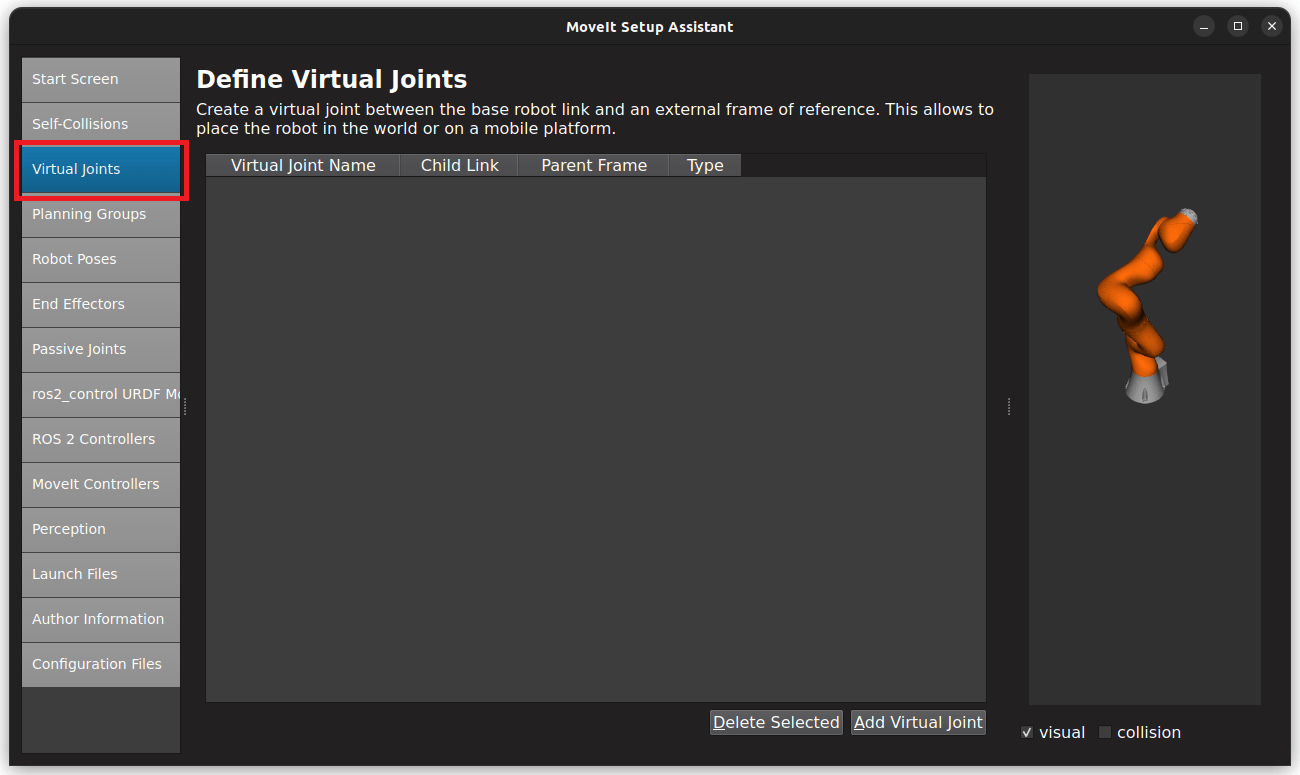
Planning Groups: Add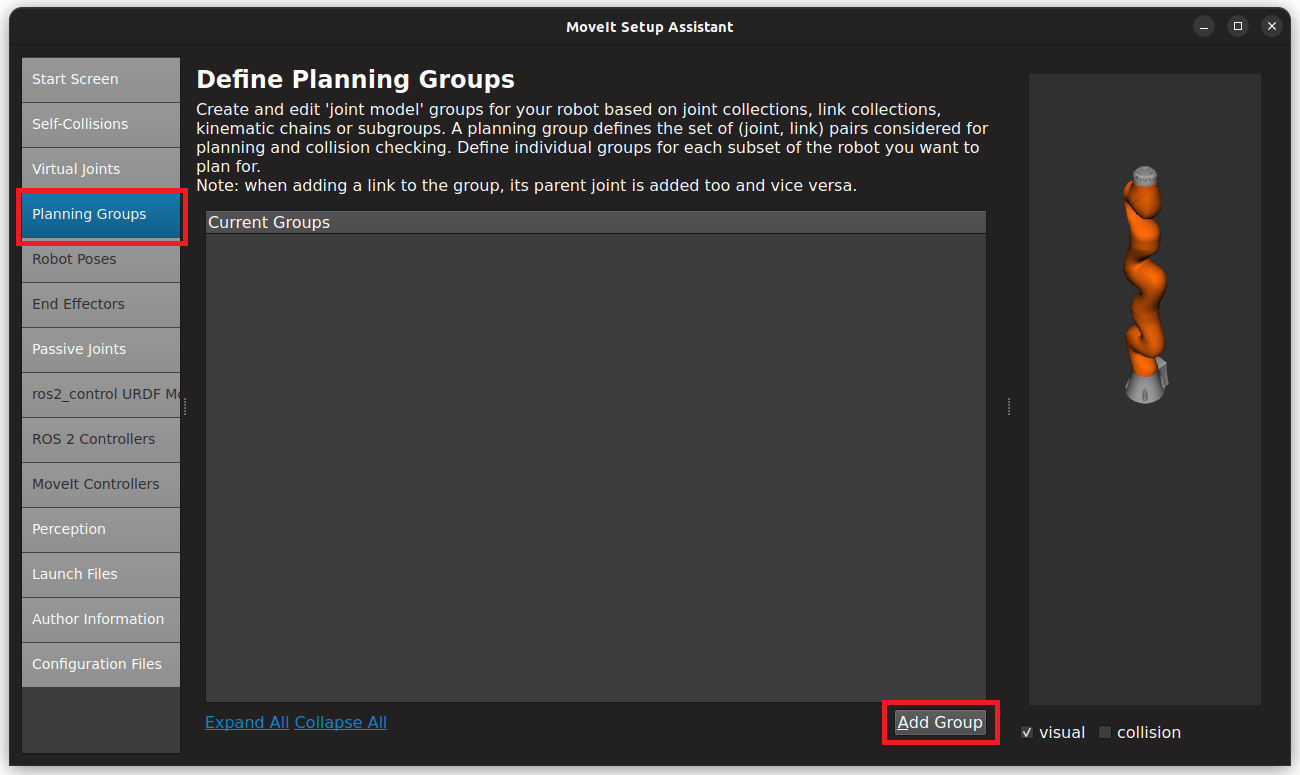
Planning Groups: SelectKinematic Solverand addKinematic Chain
Kinematic Chain: Configure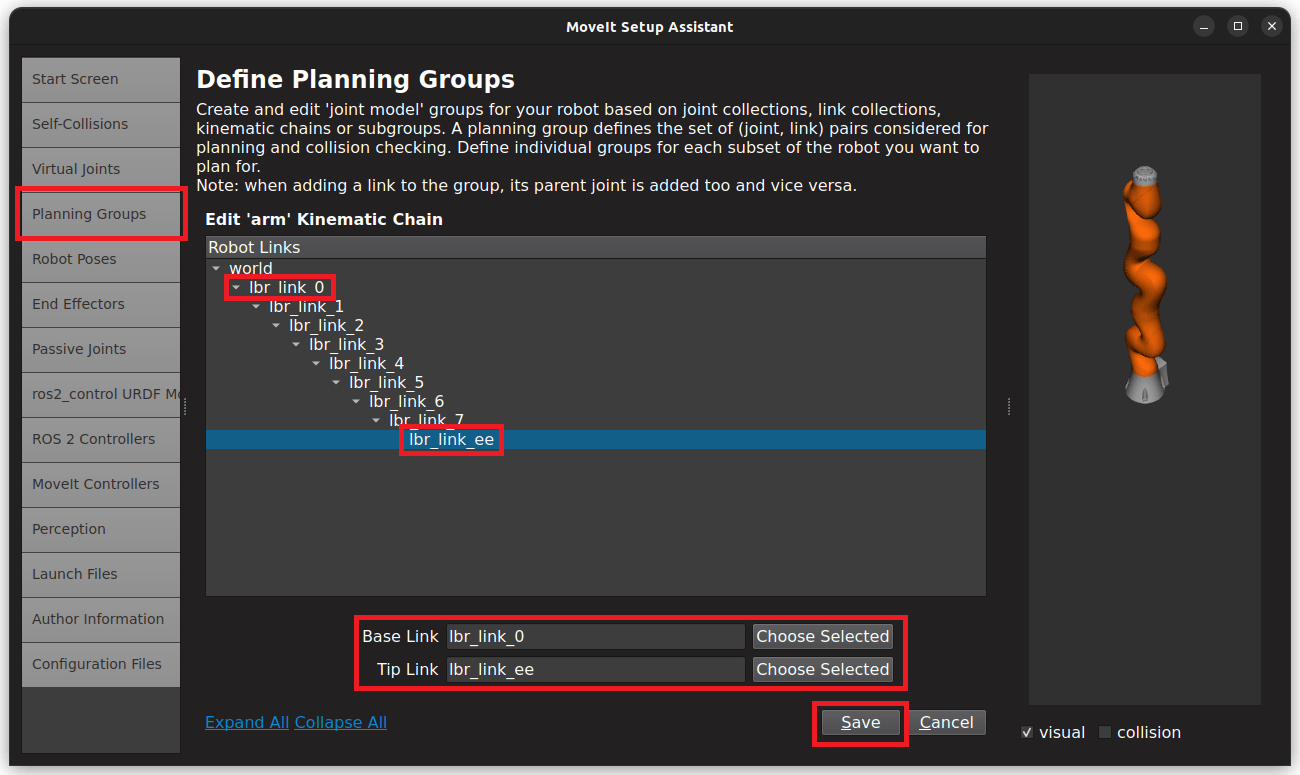
Robot Poses: We addzeroandtransport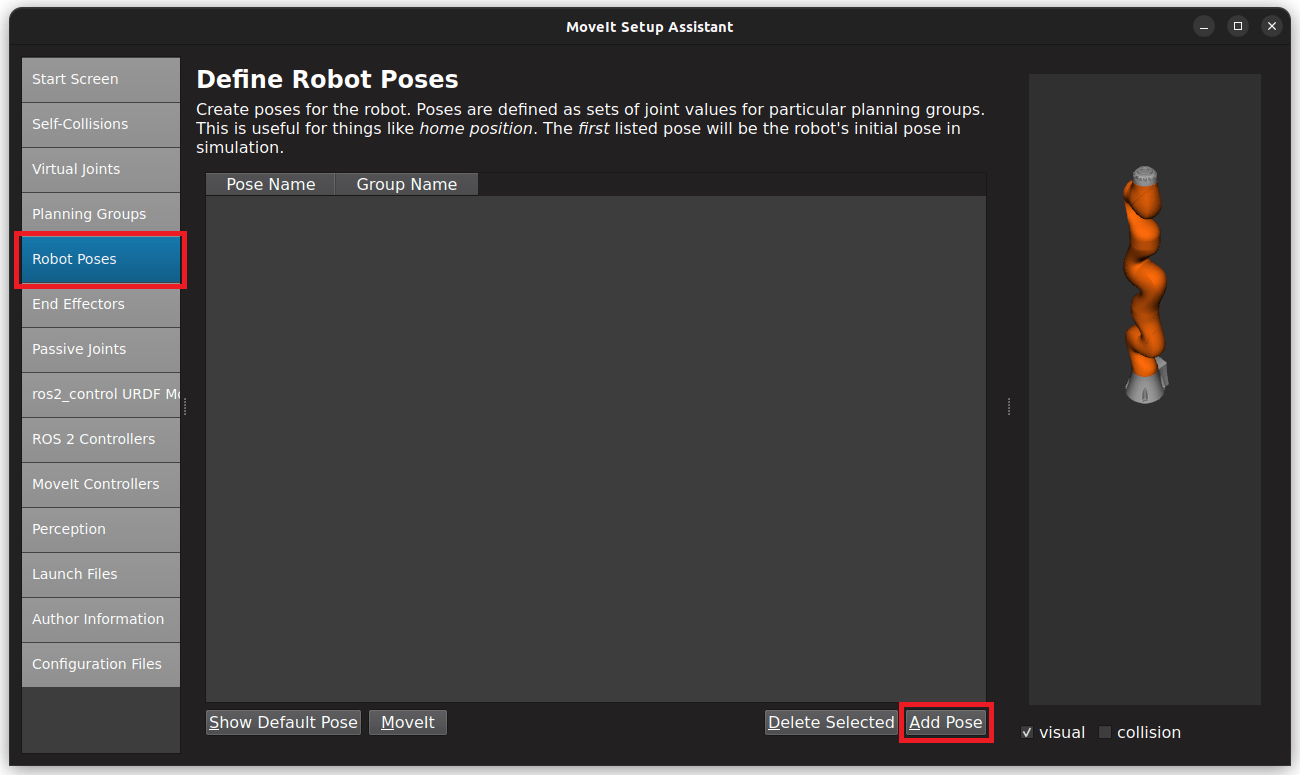
End Effectors: Skip (you might want to add one)
Passive Joints: Skip
ROS 2 Control URDF: Skip (defined inlbr_description)
ROS 2 Controllers: Skip (defined inlbr_bringup)
MoveIt Controllers:Auto Add FollowJointsTrajectory
Perception: SelectNone(you might want to add one)
Launch Files: Only add essential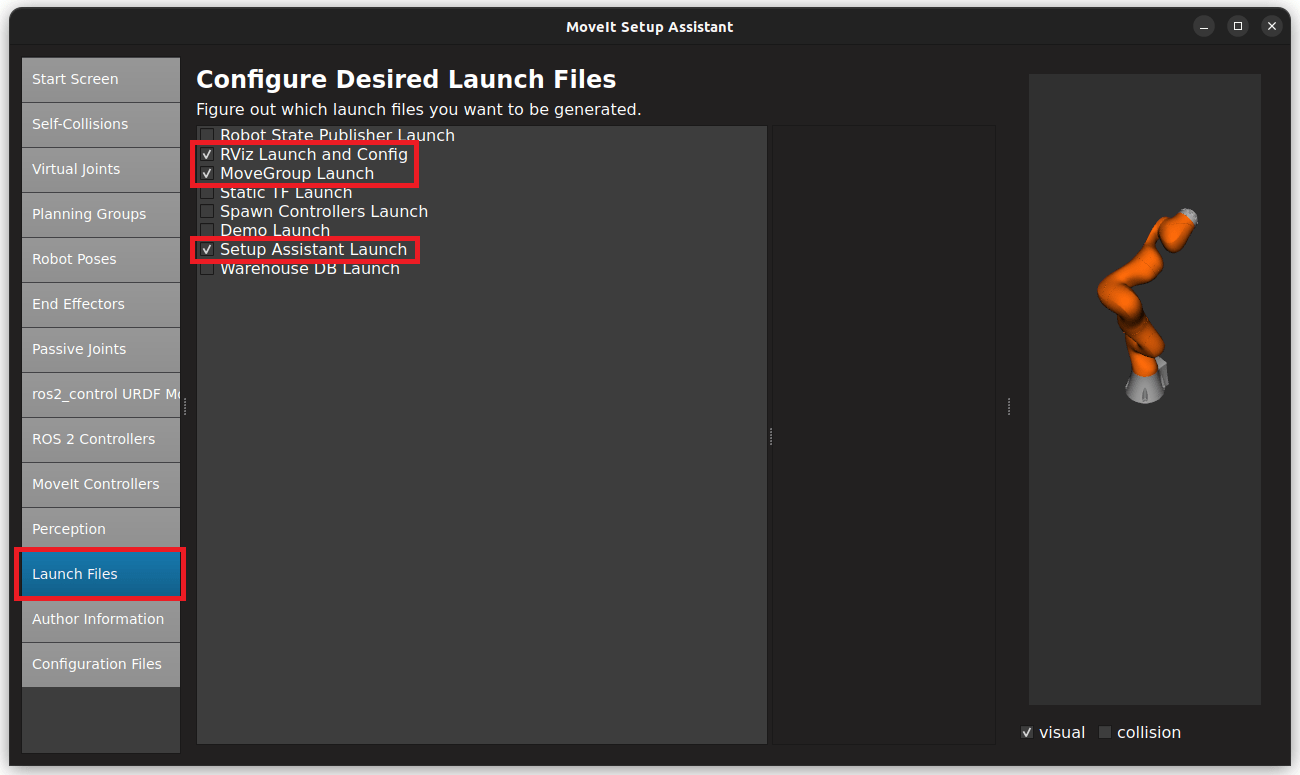
Author Information: Add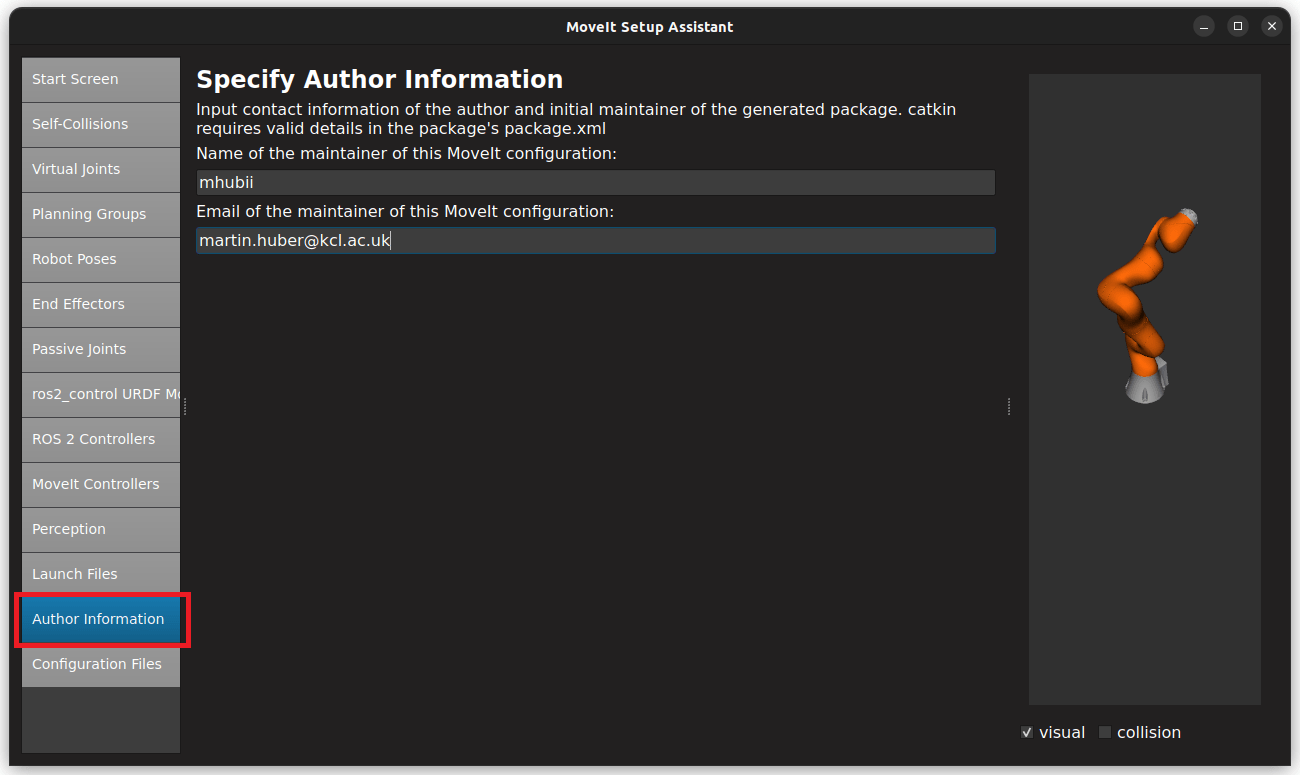
Configuration Files:
Manual changes:
Manually add acceleration limits in joint_limits.yaml (not supported in
URDF)In the move_group.launch.py use the robot descriotion from
lbr_descriptionIn moveit_controllers.yaml change the
arm_controllertojoint_trajectory_controller, as in hardware.yaml
Update MoveIt Configuration
Make sure the
lbr-stackis installed and sourced, see Installation.Run the setup assistant for the existing configuration.
ros2 launch iiwa7_moveit_config setup_assistant.launch.py # [iiwa7, iiwa14, med7, med14]
Update and save the configurations, similar to Generate MoveIt Configuration.